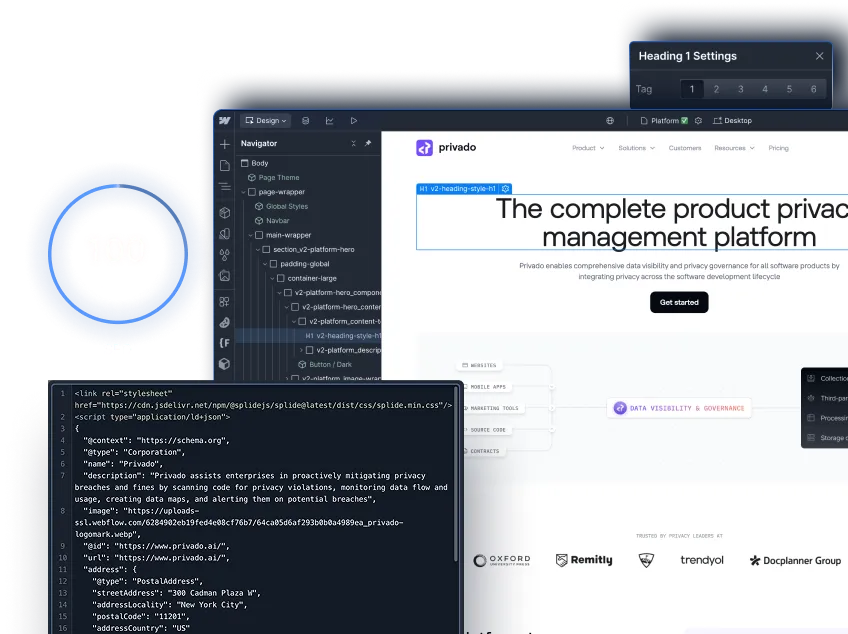
Logo Icon Image
Figma to Webflow Agency

Figma to Webflow agency: your approved designs, built as an editable Webflow site

Figma to Webflow agency: your approved designs, built as an editable Webflow site

Skip the months of back-and-forth with freelance developers. We take your Figma designs and turn them into fully functional Webflow sites, checked page by page against your designs.

Send your Figma file for a build plan
Hero Image
Problem
Emoj Icon

You've Got Beautiful Figma Designs, But Turning Them Into a Real Website is a Challenge

Most developers either butcher your designs or take forever to deliver. Sound familiar?

Lost in Translation
Your carefully crafted Figma designs get mangled during development. What you envisioned isn't what you get.
Endless Revisions
"That's not what the design shows" becomes your daily mantra. Developers who don't understand design details.
Mobile Nightmares
Your Figma designs look right on desktop but break completely on mobile devices.
Timeline Hell
Projects that should take weeks stretch into months with no end in sight.

Meet

ActiveSet Logo

We Speak Both Figma and Webflow fluently
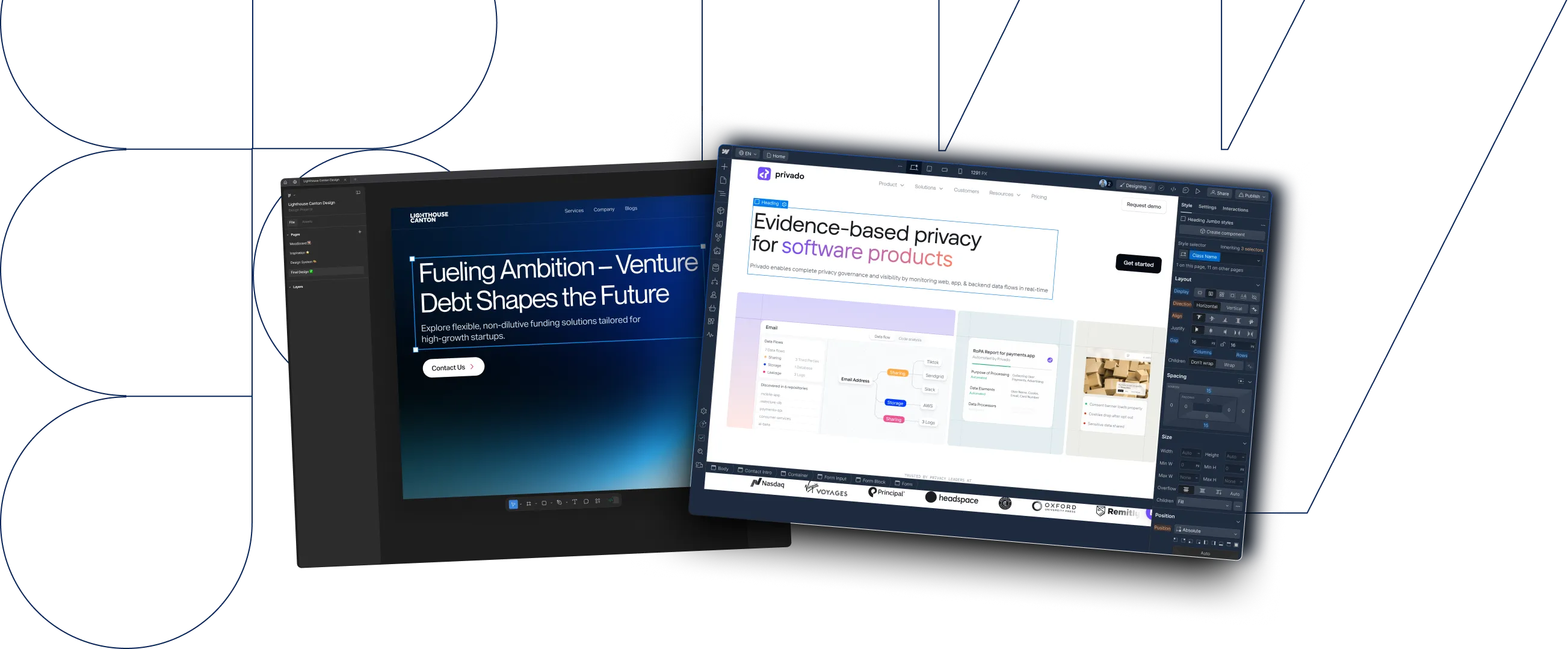
We're a specialized Figma to Webflow development agency. We take your approved Figma designs and build them into fast, responsive Webflow websites, tested on desktop, tablet and mobile. Just your designs, brought to life.
ActiveSet Logo

We <Re>build Websites That Actually Convert Prospect
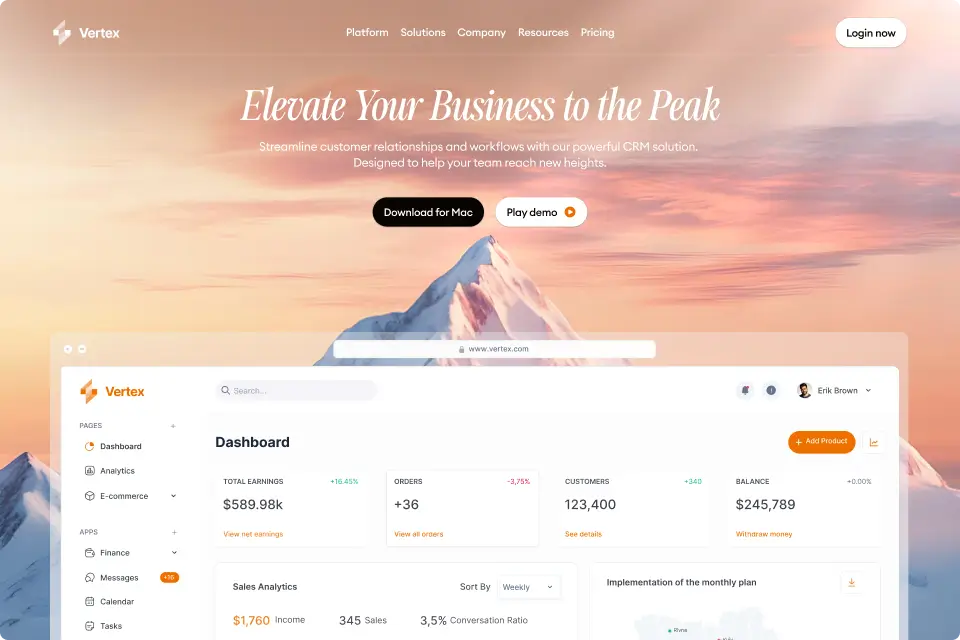
We are a b2b website development agency. We help you with one thing: turning your ideal 
prospects into qualified opportunities.

Website Hero Section ImageWebsite Hero ImageWebsite Hero Image
Website Hero ImageWebsite Hero ImageWebsite Hero Image
Our Figma to Webflow process

From Figma File to Live Webflow Site, Step by Step

Bg layer
Step 1
Design Analysis & Project Setup
We review your Figma file in detail, identify any potential development challenges, and set up your Webflow project with the right structure.
Our analysis includes:
Complete Figma file review and component mapping
Mobile responsiveness planning for all breakpoints
CMS structure planning if your site needs dynamic content
Asset optimization and export preparation
Development timeline and milestone planning
Bg layer
Step 2
Design-Matched Webflow Development
We build your Figma designs into Webflow with meticulous attention to every detail—spacing, typography, animations, and interactions.
What we build:
Your Figma designs built in Webflow, checked page by page
Responsive development tested on desktop, tablet and mobile
Custom animations and interactions from your Figma prototypes
Clean, organized Webflow structure that's easy to maintain
Clean, lightweight code with speed checks before launch
Bg Layer Image
Step 3
Testing, Refinement & Launch
We test pages, forms and interactions, make final adjustments, and hand over a website checked against your Figma designs.
Final delivery includes: 30 days of post-launch support for any issues
Cross-device testing and refinement
Performance optimization and speed testing
Webflow Editor training for your team
Documentation and handover of all assets
30 days of post-launch support for any issues

How much does Figma to Webflow cost, and how long does it take?

Price and timeline depend on the number of unique page templates, the interactions, the CMS collections and the integrations. Every engagement gets a written proposal with a fixed scope, price and timeline before work starts.

Starting price
From $2,000

The final price is fixed in a written proposal after we review your Figma file.

Typical turnaround
21–28 days for a 5–10 page site

For reference, a recent build: Different's new website went from kickoff on 8 September to live on 20 October 2026, 42 days in total. The final new-brand designs arrived 4 days before launch.

What changes the price
  • Number of unique page templates
  • CMS collections and the fields each one needs
  • Interactions and animations from your prototype
  • Integrations: forms, CRM, analytics and other tools

Proof

Webflow Premium Partner

ActiveSet is a Webflow Premium Partner based in Bangalore, India.

100+ Webflow projects

Designed, built, migrated or maintained for B2B SaaS, fintech and AI companies.

Projects that began as Figma files include Different and Core Innovation. Browse everything at our projects page.

Bg layer
Send your Figma file for a build plan

Need your Figma converted faster?

Ask about a faster timeline for urgent launches.
Send your Figma file for a build plan
Rocket Icon ImageStar Icon Image
the handoff

What makes a Figma-to-Webflow handoff successful?

01
An approved Figma file
We build from signed-off designs that cover every template, mobile layouts, component states and final assets.
02
Style guide and components
We set up the style guide first, then map your Figma components to reusable Webflow components with Client-First naming.
03
Scope agreed up front
We agree the templates, CMS collections, integrations and who approves the build, then confirm the timeline.
04
Mobile layouts defined
We agree how layouts behave on tablet and mobile, then build mobile-first and check each breakpoint.
05
Review on staging before launch
You review the build on a staging site and leave comments in Markup.io, and we work through them before launch.
06
A handover your team owns
The site is built in, or transferred to, your own Webflow workspace, with an editor guide or short recorded walkthroughs.
handoff checklist

What should a Figma-to-Webflow handoff include?

A complete handoff includes the approved Figma version and who signs it off, desktop and mobile designs with notes for the widths in between, final copy and assets, the components and their states, the CMS content your team will edit, forms and connected tools, and the checks each page must pass on staging.

According to Webflow's The 2026 State of the Website (with Vanson Bourne; survey of Director-level and above marketing and technical leaders in the US, Canada and the UK, June-July 2025), "91% of technical leaders report there is some level of friction today within their organization between technical and non-technical teams when making changes to the website." Our builds end with the site in, or transferred to, your own Webflow workspace, with an editor guide or recorded walkthroughs.

Bg layer
01
Designs and sign-off
Agree what is final before the build starts.
Include:
The approved Figma version and who answers design questions
A page list with each URL, Figma frame, owner and approval status
Desktop and mobile frames, with notes for the widths in between
Your longest headings and fullest cards, not placeholder text
Bg layer
02
Content, assets and components
Give the build everything it needs to match the design.
Include:
Final copy, or copy clearly marked as awaiting approval
Logos, icons and images ready to export, with their crops
Font files or sources, weights and licences
Repeating components and their states (hover, open, error)
Bg Layer Image
03
CMS, forms and acceptance
Decide how the site will be edited and how you will sign it off.
Include:
CMS collections your team will edit, and the fields each needs
Destination links for buttons, navigation and downloads
Forms, tracking needs and the tools they connect to
The screen widths and checks each page must pass on staging

Complete Figma to Webflow Services

Core Figma to Webflow Conversion
Detailed conversion of your Figma designs into fully functional, responsive Webflow websites.
Logo Image
Bg layer Image
Figma Design Services
Don't have designs yet? Our team can create beautiful, professional Figma designs before converting to Webflow.
Lottie Image
Webflow CMS Setup
Advanced CMS implementation for blogs, portfolios, case studies, and other dynamic content needs
Lottie Image
Lottie Image
Custom Animations & Interactions
Complex animations and interactions that bring 
your Figma prototypes to life in Webflow.
Conversion Copywriting
Professional copywriting that turns your 
converted site into a lead generation machine.
Lottie Image
Ongoing Website Maintenance
Monthly maintenance packages to keep 
your Webflow site updated, secure, and performing optimally.
Lottie Image
Industries we develop Webflow sites for
01
SaaS & Technology
(01)
Converting complex app interfaces and technical product sites from Figma to responsive Webflow experiences.
02
Professional Services
(01)
Transforming elegant consulting and agency websites from Figma designs into professional Webflow sites.
03
E-commerce & Retail
(01)
Converting product-focused Figma designs into fully functional Webflow e-commerce experiences.
04
Healthcare & Life Sciences
(01)
Converting complex, compliance-focused Figma designs into clean, accessible Webflow websites.
Layer
Don't See Your Industry?
Our Figma to Webflow expertise adapts to any B2B sector.
Send your Figma file for a build plan
Excited?
Let’s Make You a Website Your Customers Will Love
FAQ’s

Frequently Asked Questions

(01)
How much does a Figma to Webflow conversion cost?

Projects start from $2,000. The final price depends on how many unique templates, interactions, CMS collections and integrations your file needs, and it is fixed in a written proposal before work starts.

(02)
How long does a Figma to Webflow conversion take?

A 5–10 page site typically takes 21–28 days. The exact timeline depends on page templates, interactions and CMS needs, and we confirm it after reviewing your file. For example, Different's new website went from kickoff to live in 42 days.

(03)
How closely will the Webflow site match my Figma designs?

Closely. We match typography, spacing, colours, layouts and interactions, and review each page against your Figma file on staging before handover. Where a performance or Webflow constraint calls for a difference, we flag it and agree it with you.

(04)
Can you build complex Figma prototypes with animations?

Yes. We build component variants, auto-layout and detailed interactions, using Webflow interactions or GSAP. If something in the prototype can't be reproduced the same way, we flag it during the file review and agree the approach.

(05)
Will my team be able to update the site after launch?

Yes. The site is built in, or transferred to, your own Webflow workspace with Client-First naming and reusable components, and handed over with an editor guide or recorded walkthroughs.

(06)
What do you need to quote a Figma-to-Webflow project?

The approved Figma file, a list of unique page templates, mobile behaviour, component states, final assets, CMS needs and the tools the site connects to. Missing decisions become written assumptions in the proposal.

(07)
What if something doesn't work right after launch?

Every Figma to Webflow build includes 30 days of post-launch support. We test pages, forms and interactions before handover and fix any defects we find.

(08)
What if we don't have Figma designs yet?

Our design team can create the Figma designs first, then build them in Webflow.